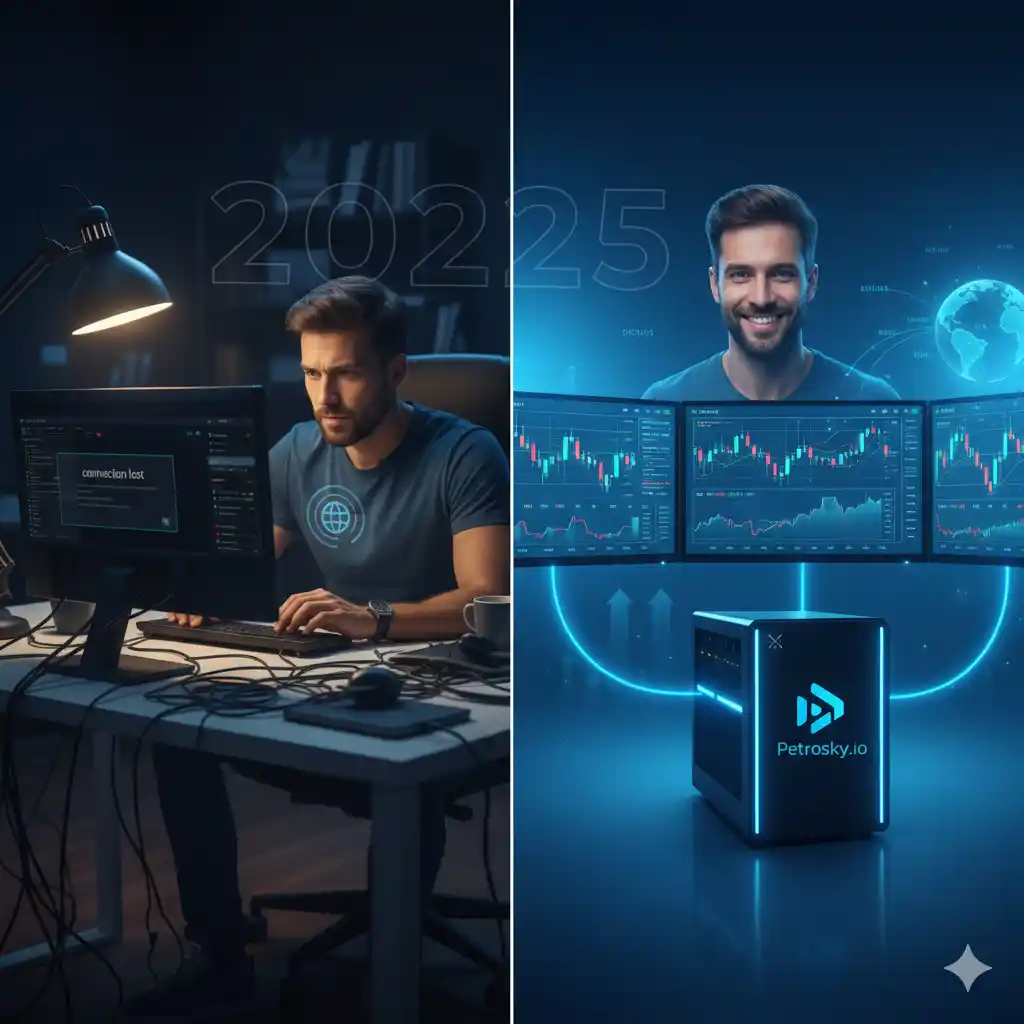
Introduction – Challenges of Running Bluestacks Locally
Bluestacks is one of the most popular Android emulators in the world. From mobile gamers who want to enjoy their favorite titles on a bigger screen, to developers testing apps, to digital marketers managing multiple accounts, Bluestacks has become a go-to platform.
But here’s the challenge: Bluestacks requires serious system resources. If you’ve ever tried running it on a standard laptop or even a mid-range PC, you’ve likely faced issues like:
- Lagging and freezing during gameplay.
- High CPU and RAM usage that slows down your whole computer.
- Overheating or hardware wear and tear.
- Limitations in running multiple instances of apps or games.
This is exactly why Bluestacks VPS is becoming the smarter option in 2025. Instead of depending on your personal computer’s hardware, you can host Bluestacks on a Virtual Private Server (VPS). With a VPS, you get powerful dedicated resources, 24/7 uptime, and remote access from anywhere.
In this blog, we’ll walk through what to look for in a Bluestacks VPS, why Petrosky.io offers the best hosting plans in 2025, and how to choose the right plan based on your needs.
What is Bluestacks VPS?
A Bluestacks VPS is a cloud-based server that runs Bluestacks remotely. Instead of installing the emulator on your physical device, you set it up on a VPS and connect via Remote Desktop Protocol (RDP) or other access tools.
This means:
- You’re no longer limited by your computer’s hardware.
- The emulator runs on high-performance processors, SSD storage, and large amounts of RAM in the cloud.
- You can log in to your Bluestacks environment from anywhere in the world.
In short, Bluestacks VPS makes it possible to enjoy smooth, lag-free gaming and multitasking, even if your personal computer is low-end.
Key Features to Look for in a Bluestacks VPS
If you’re considering Bluestacks VPS in 2025, here are the key features that matter most:
-
High RAM Allocation
Bluestacks can be RAM-hungry. The more memory you have, the smoother your apps and games will run. Look for VPS plans that offer at least 8GB RAM, with the option to scale up if needed.
-
Powerful CPU/GPU Support
For fast performance and minimal lag, your VPS should include multi-core CPUs and GPU support. This ensures heavy games or multiple instances run smoothly.
-
Low Latency & Global Servers
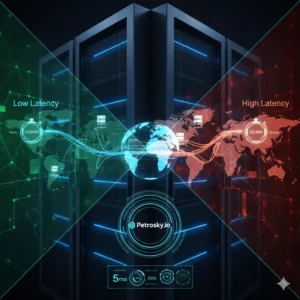
Latency can make or break your gaming or app-testing experience. Choosing a VPS provider with global server locations ensures faster response times. For users in Europe, a VPS in Paris or France is ideal.
-
Scalable Bandwidth
Running games or apps involves significant data transfer. Unlimited or high-bandwidth VPS plans ensure smooth streaming, app syncing, and updates.
-
SSD Storage
Solid State Drives (SSD) drastically reduce loading times compared to HDDs, giving you a more responsive emulator experience.
-
24/7 Availability
Unlike your PC, a VPS runs 24/7. This is perfect for automation tasks, continuous app testing, or keeping games active even when your device is off.
-
Security & Privacy
Since you’ll likely log in from multiple devices, your VPS must include strong firewalls, DDoS protection, and secure data handling.
Bluestacks VPS Pricing – Cost vs Performance
One of the most common questions people ask is: “Is Bluestacks VPS worth it compared to upgrading my PC?”
Here’s the truth:
- Buying a high-end gaming PC or workstation can cost thousands of dollars.
- With a VPS, you only pay for the resources you need, and you can scale up or down as your requirements change.
- It’s far more cost-efficient, especially for users who don’t want to invest in expensive hardware just for Bluestacks.
At Petrosky.io, we’ve designed pricing to be flexible and affordable, while still giving you top-notch performance. Whether you’re a casual gamer or a professional app developer, there’s a plan tailored for you.
Why Petrosky.io is the Best VPS for Bluestacks in 2025
When it comes to choosing the right VPS for Bluestacks, the decision often comes down to reliability, performance, and support. At Petrosky.io, we specialize in providing VPS solutions optimized for Android emulators like Bluestacks.
Here’s why we stand out:
✅ Optimized for Bluestacks Performance
Our VPS configurations are tested and tuned specifically for emulator workloads. This means no random lag, no system crashes—just smooth performance.
✅ Multiple Global Data Centers
Whether you need a VPS in Paris, France, or other global locations, we ensure you get the lowest possible latency.
✅ Scalable Plans
Start small and scale up as your needs grow. You don’t have to overpay for resources you won’t use.
✅ Affordable Pricing
We believe high-quality VPS shouldn’t break the bank. Our plans are cost-effective while delivering premium features.
✅ 24/7 Technical Support
Running into setup issues? Need help installing Bluestacks? Our support team is available around the clock to assist you.
✅ Security First
All Petrosky VPS plans come with robust DDoS protection, firewalls, and secure environments to keep your apps and data safe.
In short: Petrosky.io isn’t just another VPS provider. We’re your partner in running Bluestacks smoothly, securely, and affordably.
Tips for Selecting the Best Bluestacks VPS Plan
When choosing the right VPS plan for Bluestacks, keep these tips in mind:
-
For Casual Gamers:
Go with a mid-tier plan (8GB RAM, 2–4 cores) that balances performance and cost.
-
For Multi-Instance Users or Marketers:
Choose a higher-tier plan (16GB+ RAM, 4–8 cores) to handle multiple Bluestacks sessions.
-
For Developers & Testers:
Look for plans with flexible storage and multiple OS compatibility.
-
For Automation & 24/7 Tasks:
Make sure your VPS has guaranteed uptime and reliable bandwidth.
At Petrosky.io, we’ve categorized our plans to make this selection process easy—you pick based on usage, not guesswork.
Conclusion – Why Bluestacks VPS is the Future
Running Bluestacks on a personal PC is no longer the best option in 2025. With resource-hungry apps, increasing demand for multi-tasking, and the need for 24/7 uptime, a Bluestacks VPS is the smarter, more affordable, and more reliable solution.
By choosing Petrosky.io, you’re not just getting a VPS—you’re getting:
- A system optimized for Bluestacks.
- Global access with low latency.
- Affordable, scalable plans.
- Round-the-clock support.
If you’re ready to take your Bluestacks experience to the next level, explore the VPS plans at Petrosky.io today.
FAQs About Bluestacks VPS
Q1. Why should I use a VPS instead of my PC for Bluestacks?
A VPS offers higher performance, 24/7 uptime, and freedom from local hardware limitations. It’s smoother, faster, and more reliable than running Bluestacks on a standard PC.
Q2. Can I run multiple Bluestacks instances on a VPS?
Yes! With the right VPS plan, you can run multiple instances simultaneously without lag.
Q3. Is Bluestacks VPS only for gaming?
No. It’s also perfect for developers, app testers, marketers, and businesses that use Android apps.
Q4. How do I connect to my Bluestacks VPS?
You can easily connect via Remote Desktop Protocol (RDP) or any remote access tool provided with your VPS.
Q5. Is Petrosky.io secure for running apps and games?
Absolutely. We provide DDoS protection, firewalls, and strong encryption to ensure your VPS remains safe and private.