VPS hosting. Never overbooked.
%201.svg)










Workloads
Built for real workloads

For Business

For Developers

For Traders
Our Infrastructure
Three things that make PetroSky different

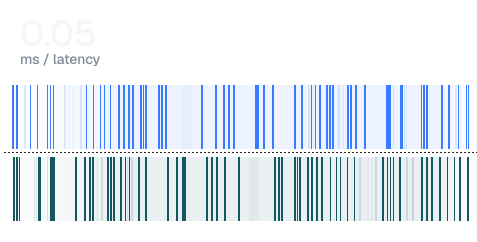
PetroSky servers run inside carrier-grade datacenters alongside AWS, Cloudflare, and major ISPs. Same building, direct peering, fewer network hops. That proximity is why latency stays under one millisecond to Cloudflare.

The CPU and RAM in your plan are guaranteed. We do not oversell server capacity. No noisy neighbors, no throttling, no performance surprises under load.
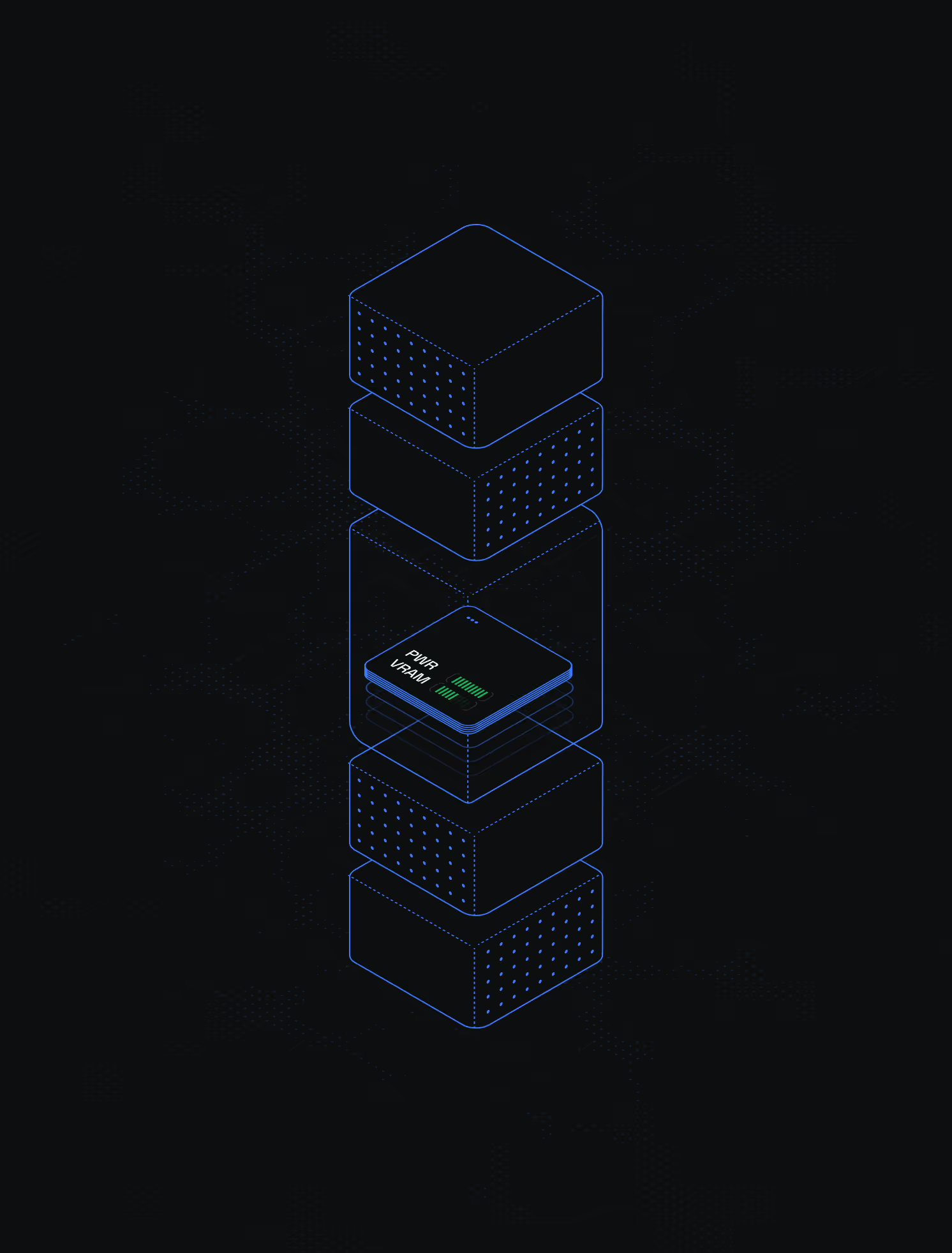
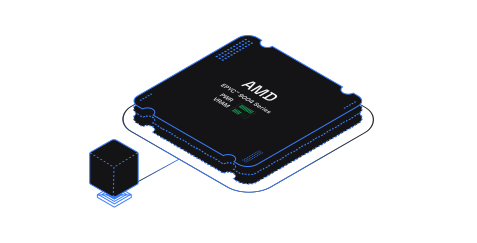
AMD EPYC 7003 and 9004 series processors paired with Ceph NVMe SSD storage. Self-healing replication protects your data across multiple drives. If a disk fails, your VPS keeps running with zero downtime.
PetroSky servers run inside carrier-grade datacenters alongside AWS, Cloudflare, and major ISPs. Same building, direct peering, fewer network hops. That proximity is why latency stays under one millisecond to Cloudflare.
The CPU and RAM in your plan are guaranteed. We do not oversell server capacity. No noisy neighbors, no throttling, no performance surprises under load.
AMD EPYC 7003 and 9004 series processors paired with Ceph NVMe SSD storage. Self-healing replication protects your data across multiple drives. If a disk fails, your VPS keeps running with zero downtime.
Features
What's under the hood
Ultra-low latency networking
Consistent CPU performance

Self-healing Ceph storage
Locations
Global infrastructure, local performance

Our Solutions
The uses of PetroSky VPS services
Pricing
Transparent, Predictable Pricing.
Pro


Pro+ Hybrid
Enterprise
Testimonials
Not marketing promises. Real experiences from teams who build on PetroSky.
Always help, anytime I have ever had an issue! If I can't figure it out just so awesome to be able to message them and get the support I need. Like I forgot to pay my bill last month, messaged them got my bill extended til next payday.

Switched from a bigger brand because PetroSky actually listens to feedback.
Petrosky is an outstanding VPS service! The performance is top-notch, with exceptional uptime and speed that far exceeds expectations. Petros, the owner, is absolutely amazing. He's always available, responsive, and genuinely cares about his customers. Highly recommended!
Recently purchased a VPS and ran into some issues, live chat was very helpful, once i was up and running the VPS ran flawlessly. Had a billing issue which was my fault, they could not help enough and in the end offered a full refund without me even requesting it. Can not recommend enough.
The customer service is outstanding. I've tried a lot of companies but this one is 100% the best when it comes to customer service. Quick responses and they work really hard to fix any issue. 100% recommended!
These people are truly incredible. They gifted me a free month due to payment processing issues. This only shows how much they care about their customers. Try out their services guys! It's worth it. Also, shout-out to Saad!
I rarely leave reviews, if not something is extraordinary. This was that. The owner goes to the end of the world to solve your problems. It's not often you find an owner who cares about their customer that much that he stays up until 5 am all night long just trying to find a solution. You will not find an owner who cares more about their customers than this.
Most amazing service. Website is quick to map through and easy to use. Customer support is just bang on! People who know what it is will love it, who doesn't? Don't worry they will guide you through each and every little thing!
The greatest service around ever, PetroSky is the best of them all, so innovative and fast but most importantly, taking care of their customers. I recommend this so much.
Tharun T. really helped me with all my problems in a very professional way, I have rarely experienced such good support! Thank you.
I am writing to express my utmost satisfaction with the VPS service I have received from Petrosky.io. From the exceptional support to the blazing fast server speed, my experience has been nothing short of outstanding. The support team's responsiveness has been a game-changer for me. What's even more impressive is the affordability of the services. The combination of high-quality service and budget-friendly pricing is truly commendable.
Before finding Petrosky, I was pretty lost and confused trying to find a good place that will provide professional, attentive and cheap support. Finally, I found this service and I'm more than satisfied. Their servers are great and powerful, they really care about their customers and grant wonderful support in a very short amount of time.
Great VPS. Fast and does what I need it for. Customer service has been amazing — has helped me right away with any questions I've had. Best on the market I found for what you get. Thanks!
Can't find a better VPS than them. Always helping and service top notch. If you are looking for the best server to use. Petrosky is the answer!
Best service I ever had. 99% of time customer support online and even when they aren't online they get back to you in less than 12 hours. They are always ready to help.

FAQ
Frequently Asked Questions
What ports are open by default on my VPS?

All of them. You can either choose to restrict ports in your server by configuring the Firewall or your IPTables rules. Our support team can help you do that by contacting them.
Is there any possibility to change the IP Address of my VPS?
Yes. Every server comes with a static IPv4 address. You can order an additional IP or change your existing one for €2 from the control panel.
What operating systems are available at PetroSky?
We offer Windows Server (2022 and 2025, fine-tuned for performance) and Linux distributions including Ubuntu, Debian, CentOS, and AlmaLinux. All OS images are kept up to date.
Is the traffic limited in PetroSky?
No. Our VPS Servers have unlimited traffic and unmetered bandwidth to guarantee you the best uptime and scalability.
Can I get a refund if it doesn't work for my needs?
Yes. We offer a 7-day refund policy. If the service does not meet your needs within the first 7 days, contact support for a full refund.
Is your hosting DMCA-Ignored?
No. PetroSky complies with DMCA requirements. Any abusive or illegal activity on our servers will result in account suspension.
Do you have a Looking Glass?
Not yet. A Looking Glass is on our roadmap. In the meantime, you can contact support for latency or network performance questions about specific locations.
Can I enable Virtualization on VPS?
Virtualization is enabled by default on Hybrid VPS plans.
Is it possible to run Android Emulator on VPS?
Yes. PetroSky Hybrid VPS includes 3D acceleration, which is required to run Android emulators like BlueStacks, LDPlayer, and Nox Player.
Deploy your VPS today. 7-day money-back guarantee.